release event. This event is emitted client-side, which means a user or a script can manually reproduce it to unlock content without authorization.#Secure content release with a JWS signature
#The problem
By default, when a visitor unlocks a premium article, the Access widget emits a
A JWS (JSON Web Signature) signature proves that the release comes from Poool and has not been tampered with. This gives you the ability to decide whether or not to unlock the article on the server side.
#Enable and create a signature key pair
To create a key pair that will be used to sign and verify the JWS, go to the
Settings section of Access in your Dashboard, then enable the Enable signature key authentication feature: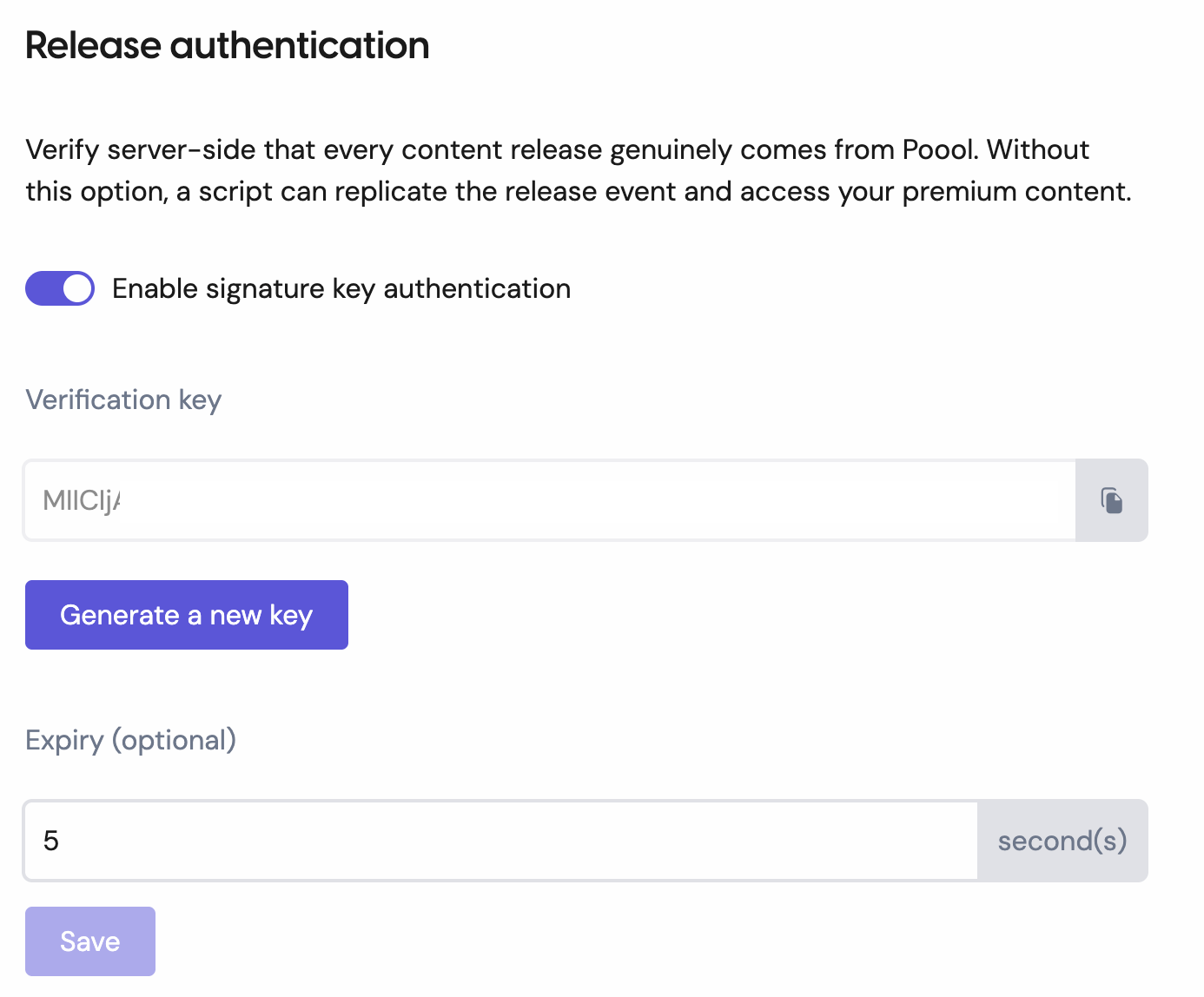
Then simply store the public key provided in the Dashboard in your environment variables. Nothing needs to be configured at the SDK level.
The private key, meanwhile, stays on our side and will be used to sign events.
You can regenerate a key pair at any time, which will invalidate the previous ones.
#Authenticate a release event
The signature must be verified inside the
release event callback.ℹ️ Attention - To guarantee the integrity of your verification key, it is important to perform the verification only on the server side, and to store the key in your environment variables.
#Client side
#Server side
The token payload contains the following elements:
- Arguments: { releaseSignature: { iss: 'poool', aud: appId, jti: String }
The
jti field is a unique identifier generated by Poool for each release event. It is important to store it server-side to ensure that the same event cannot be reused to unlock multiple articles.#Expiration (optional)
You can enable and set a token validity duration (
expiry) in your dashboard.This option ensures that the token will only be available for the defined lifetime starting from the click triggering the
release event.
Token expiration can be used as an alternative to jti, allowing you to avoid storing an ID in a database.